Skip to content
-
Subscribe to our newsletter & never miss our best posts. Subscribe Now!
The Server Admin
The Server Admin
  • Home
  • Linux
  • Windows
  • About
  • What Powers The Server Admin
  • Home
  • Linux
  • Windows
  • About
  • What Powers The Server Admin
Close

Search

  • https://www.facebook.com/
  • https://twitter.com/
  • https://t.me/
  • https://www.instagram.com/
  • https://youtube.com/
Subscribe
Windows

Configure IIS for Directory Browsing and ISO Downloading

By Anthony
March 3, 2025 1 Min Read
0

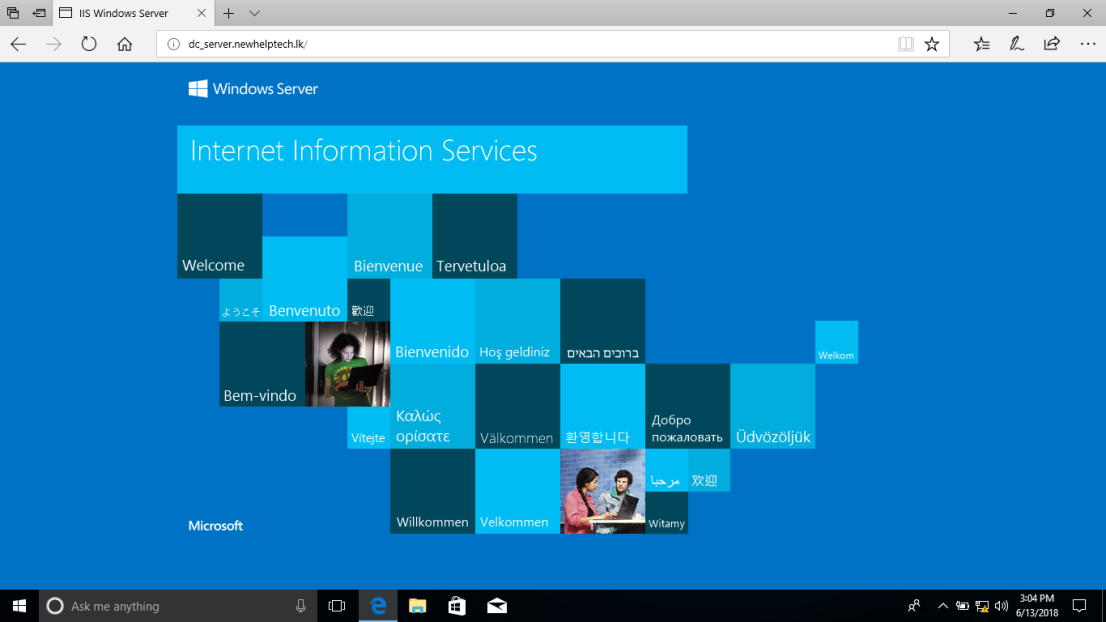
This write up assumes that you already have your Windows VPS/Server setup with Windows Server and Internet Information Server (IIS) installed, and your domain already working.

Once connected via rdp go ahead launch the Internet Information Services (IIS) Manager.

For this in IIS manager expand Server > Sites > Your Website > iso directory in left pane. From middle pane choose Directory Browsing and in the Right side Actions pane click Open Feature. At the moment you can see Directory browsing has been disabled by default. Click Enable. As you can see Directory browsing/listing is enabled.

Next go back to folder iso home. Click MIME Types and click Open Feature from Actions. Click Add button to Add new MIME Type. Use below information and click OK.
File name extensions: .iso
MIME Type: application/octet-stream

Next you will see new MIME type in the list.

That is it! Your site will now download the iso instead of erroring out.

Source: https://vcloud-lab.com/entries/microsoft-windows-server/part-2-configure-iis-server-to-allow-download–iso-files

Author

Anthony

Follow Me
Other Articles
Previous

CredSSP required by server

Next

Convert your VPS from Linux to Windows

Search

Need a Virtual Server for sysctl testing? Check out our plans!

Popular Posts

  • Mount sFTP folder as local drive
    by Anthony
    June 9, 2026
  • Robocopy Examples
    by Anthony
    February 12, 2026
  • Rsync Command Examples
    by Anthony
    February 10, 2026

Trending

  • Mount sFTP folder as local drive
    by Anthony
    June 9, 2026
  • Adding a GUI to a Server or VPS
    by Anthony
    August 27, 2024
  • Back up to a shared folder with Time Machine on Mac
    by Anthony
    January 4, 2025
  • Backup Your Databases
    by Anthony
    March 24, 2024

Editors Picks

    Send an email:
    mail@example.com

    Call me:
    123-456-7890

    • Facebook
    • Twitter
    • Instagram
    • TikTok
    • LinkedIn
    • Behance
    Copyright 2026 — The Server Admin. All rights reserved. Blogsy WordPress Theme