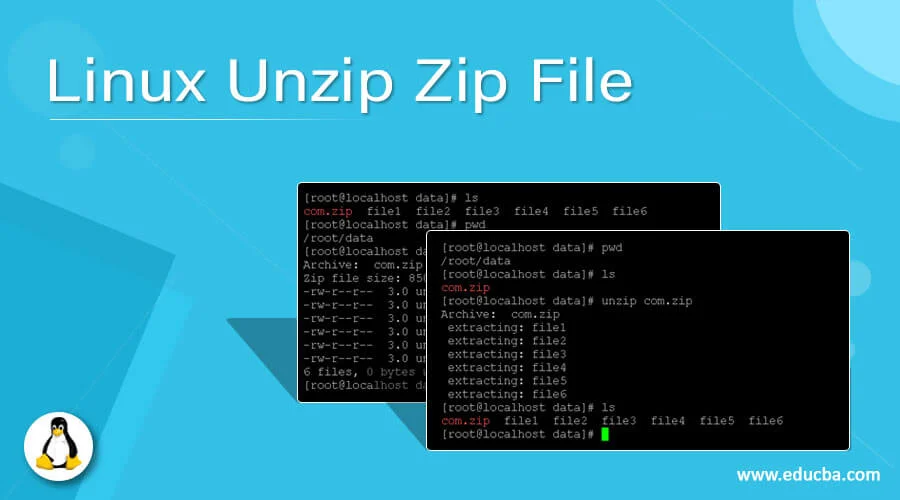
How to Zip and Unzip a directory and its files in Linux
You say you are a newbie. Maybe you got Windows-experiences. If you do not have the packages installed yet, you need to first (or by a graphical pkg-manager). Then, for an entry it would be the easiest way to use zip/unzip: where -r means…
VirtualBox for Linux Hosts – Downloads
Note: The package architecture has to match the Linux kernel architecture, that is, if you are running a 64-bit kernel, install the appropriate AMD64 package (it does not matter if you have an Intel or an AMD CPU). Mixed installations (e.g.…

Webuzo Control Panel
Do you find yourself as a developer or a hobbyist between web hosts? Are you looking for a little more power or more control but your just not ready to do a full command line only setup, you would like a control panel to help you out. Then look no…
How to zip a folder in Ubuntu/Debian
Many times we find ourselves wanting to zip up a folder or folders to send somewhere/upload to our website, or something. Well how do we do this? Especially since I don’t have a GUI since I am on a vps/server/home lab? zip and unzip are your…
How to make a guest VirtualBox VM be on the same network as the host
When setting up a virtual machine using VirtualBox I find myself either just playing with some vm, such as Windows 10/11 or wanting to build a virtual machine I need to interact with such as a linux machine that I want to ssh into. Here are the two…
Installing VirtualBox on Debian
VirtualBox is an open source x86 emulator developed by innotek (bought by Sun, now Oracle) comparable to VMware. A proprietary extra package enhances the base experience, adding things like RDP access to the Guest. Installing VirtualBox Debian 10…

Convert your VPS from Linux to Windows
With the ever growing need for high speed, always on computers weather it be for online trading or a central location for your file; or evening running a Windows Server for IIS or other Windows Server needs. So lets get started! First things first a huge…
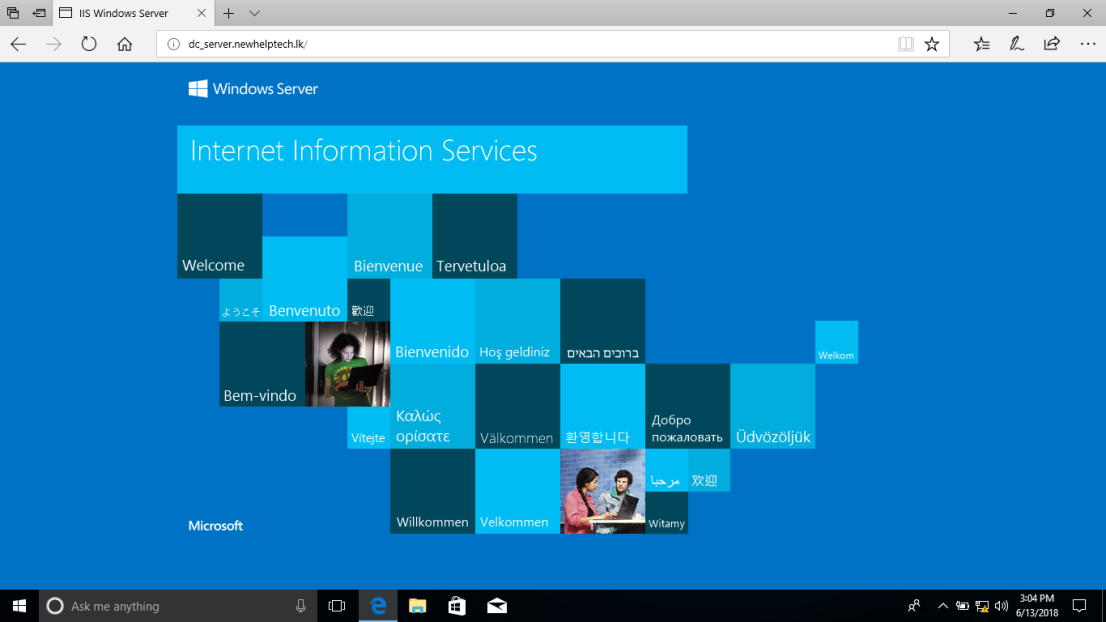
Configure IIS for Directory Browsing and ISO Downloading
This write up assumes that you already have your Windows VPS/Server setup with Windows Server and Internet Information Server (IIS) installed, and your domain already working. Once connected via rdp go ahead launch the Internet Information Services (IIS)…
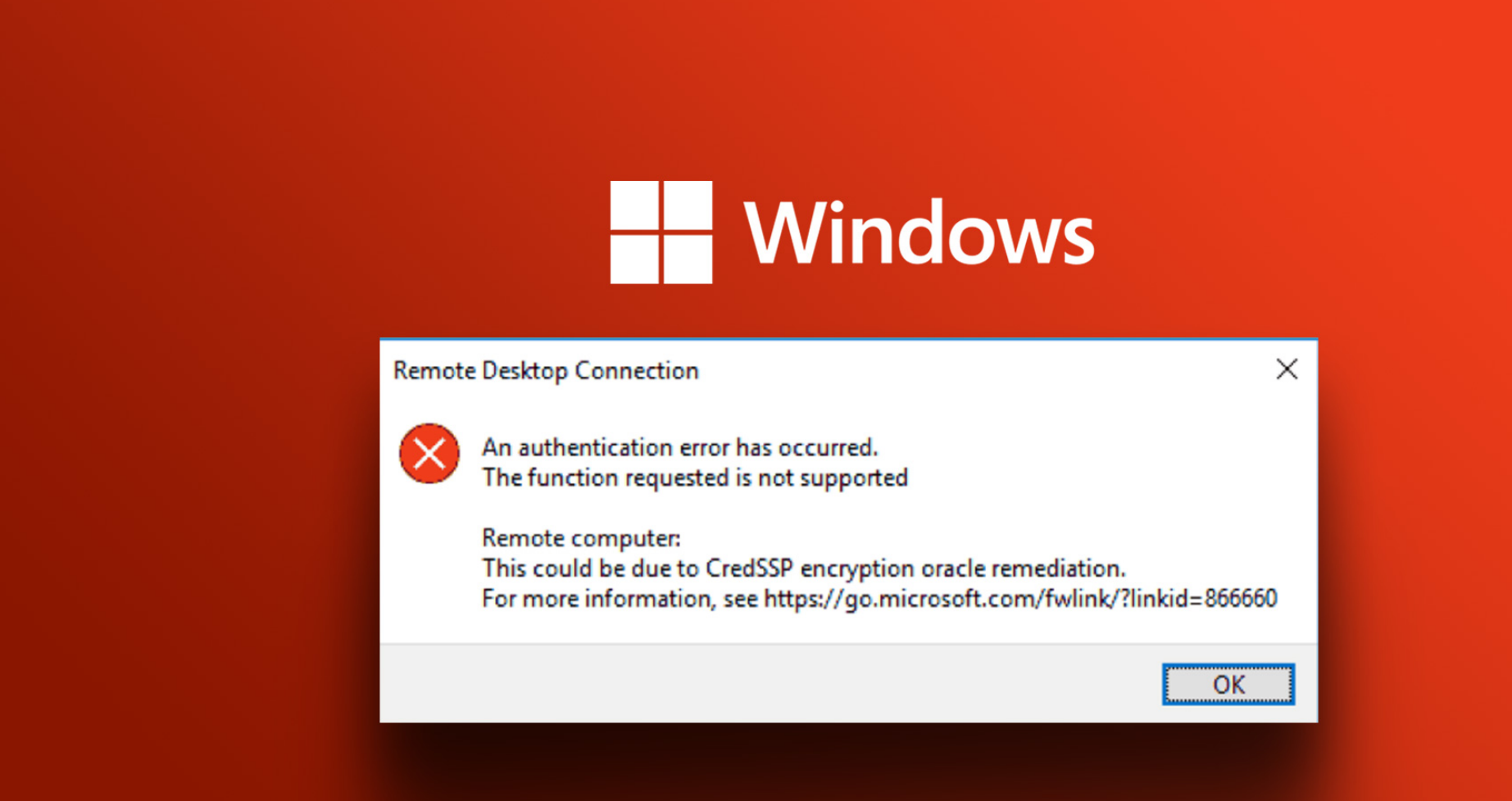
CredSSP required by server
Failed to connect, CredSSP required by the server is an error line returned when trying to connect remotely to a Windows machine using RDP version 6 or newer with the Rdesktop client. Failed to connect, CredSSP required by server is an error line…