Skip to content
-
Subscribe to our newsletter & never miss our best posts. Subscribe Now!
The Server Admin
The Server Admin
  • Home
  • Linux
  • Windows
  • About
  • What Powers The Server Admin
  • Home
  • Linux
  • Windows
  • About
  • What Powers The Server Admin
Close

Search

  • https://www.facebook.com/
  • https://twitter.com/
  • https://t.me/
  • https://www.instagram.com/
  • https://youtube.com/
Subscribe
Linux

How to Zip and Unzip a directory and its files in Linux

By Anthony
March 26, 2025 1 Min Read
0

You say you are a newbie. Maybe you got Windows-experiences. If you do not have the packages installed yet, you need to

sudo apt-get install zip gzip tar

first (or by a graphical pkg-manager).

Then, for an entry it would be the easiest way to use zip/unzip:

zip -r my_arch.zip my_folder

where -r means “recursive”.

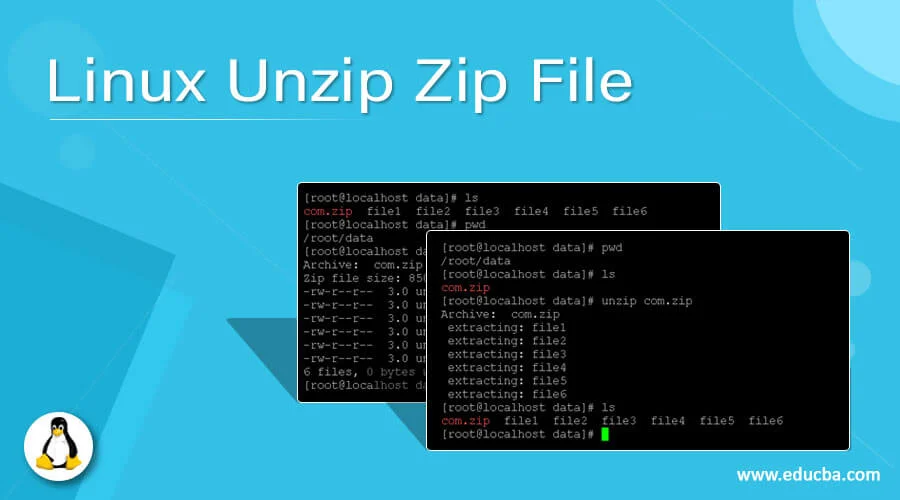
To unzip you simply use

unzip my_arch.zip

Zip stores relative path names by default. There are several parameter-options available for zip. For that read: the manual (man zip). For a starting this will do.

Most often you will see .tar.gz endings in linux-world. That’s the product of two tools: TAR (the tape archiver) and GZIP (the GNU-Zip). Tar has got the call option to automatically gzip/gunzip files after “taring”.

tar -cvzf may_arch.tar.gz my_folder

where

  • -c means “create”
  • -v means “verbose” (sometimes bothersome and slowing down…)
  • -z means “use (GNU)zip”
  • -f XYZ declares the name of the output file. (You should chose a helping name like XYZ.tar.gz)

There may also be .tar.bz2 endings. This is the product of the -j parameter instead of the -z parameter: you will choose compression with BZIP2 (-> man bzip2).

To extract you simply use -x (eXtract) instead of -c (Create):

tar -xvzf may_arch.tar.gz

Happy “zipping”!

Source: https://askubuntu.com/questions/660846/how-to-zip-and-unzip-a-directory-and-its-files-in-linux To awesome not to share!


Author

Anthony

Follow Me
Other Articles
Previous

VirtualBox for Linux Hosts – Downloads

Next

Install Samba in Debian

Search

Need a Virtual Server for sysctl testing? Check out our plans!

Popular Posts

  • Mount sFTP folder as local drive
    by Anthony
    June 9, 2026
  • Robocopy Examples
    by Anthony
    February 12, 2026
  • Rsync Command Examples
    by Anthony
    February 10, 2026

Trending

  • Mount sFTP folder as local drive
    by Anthony
    June 9, 2026
  • Adding a GUI to a Server or VPS
    by Anthony
    August 27, 2024
  • Back up to a shared folder with Time Machine on Mac
    by Anthony
    January 4, 2025
  • Backup Your Databases
    by Anthony
    March 24, 2024

Editors Picks

    Send an email:
    mail@example.com

    Call me:
    123-456-7890

    • Facebook
    • Twitter
    • Instagram
    • TikTok
    • LinkedIn
    • Behance
    Copyright 2026 — The Server Admin. All rights reserved. Blogsy WordPress Theme